Juat above is a short video clip demonstrating one way to put live data on a page.
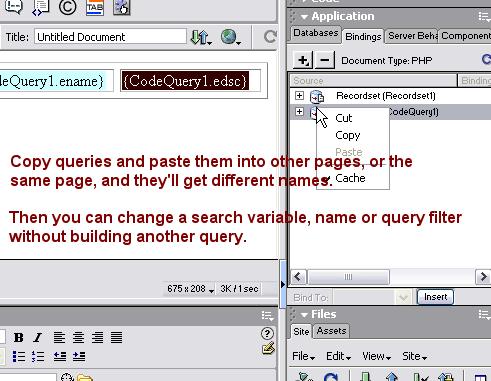
Once your recordset is made, you can click on Bindings in the Application panel. There you'll see your table fields for your recordset (query). Just drag them and drop them into table cells.
Select the table row, and click on Server Behaviors in the Application panel. Click the + and select Repeat Region.
There are other ways, and you may want to look at Insert...Application Objects..Dynamic table. It will make something similar. But here you can see how live data can be dragged-and-droppped into your page, and a repeat region created.